Log a call
Say how a call went, so the deal's next step and your speed to lead are right.
Monody does not place calls. You call from your own phone, then log what happened. The log moves the deal on, sets the next step, and stops the first-call clock.
From Today
- Press Leads in Needs you, or Log a call in Operations. The Call now list opens.
- Press Call beside the deal. Their record opens with the Log a call window. On a phone, the number at its top dials.
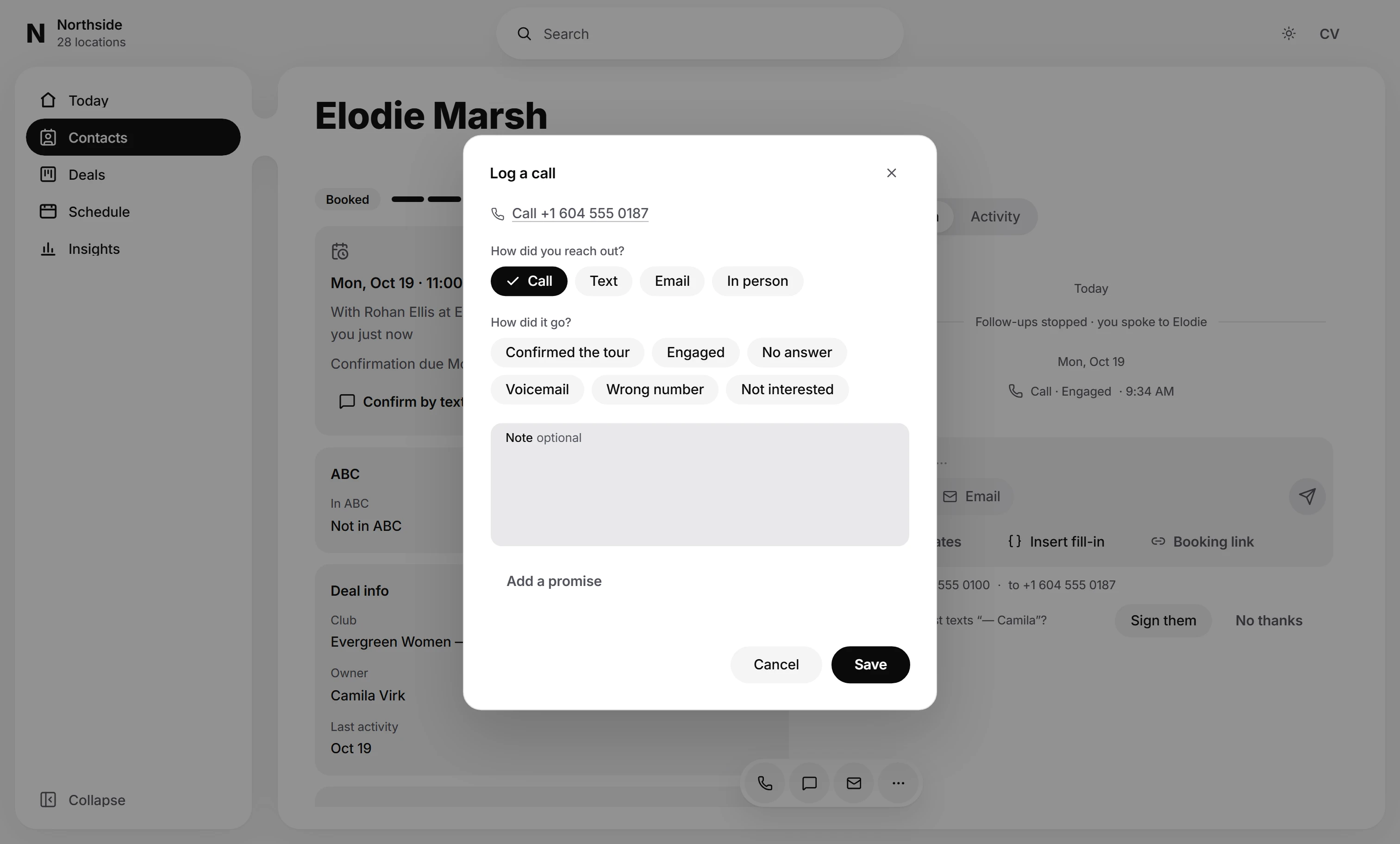
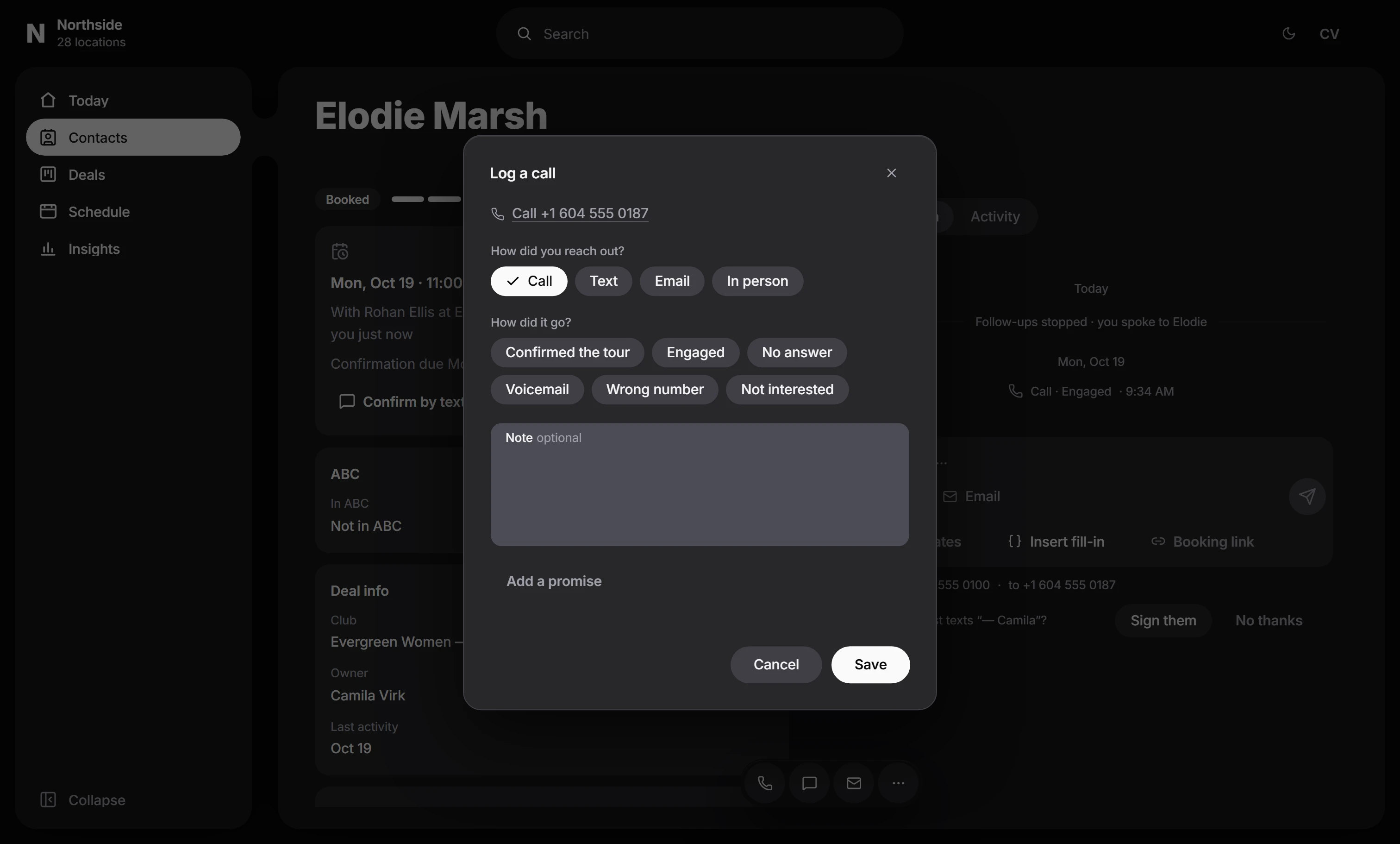
- How did you reach out? is already set to Call. Change it to Text, Email or In person when that is how you reached them.
- Under How did it go?, pick Engaged, No answer, Voicemail, Wrong number or Not interested. Where setters book tours for closers, Confirmed the tour comes first when the deal has a tour to confirm.
- After No answer or Voicemail, Schedule a callback is already filled in, inside the team's hours. Change it, or clear the date to skip it. When the deal already has a callback, choose Keep its time or Move it.
- Add a note if it helps, and press Save.
From a deal
- Open the deal and switch to Activity.
- In the bar at the bottom, under Log something, press Call.
- Pick how it went, add a note if you like, and press Log call.
- Monody asks What's next?: Call back tomorrow, Book a tour, or Nothing for now.
The same bar logs a Text, an Email or a Visit you made outside Monody, and adds a Note.
What you'll see
- The call in the deal's Activity, and as a line in their conversation.
- A deal in New moves to Contacted.
- The first call logged is the one speed to lead measures. A logged text or email moves the deal on, but it does not end the wait unless your owner has chosen A call, text or email from the rep under What ends the wait. See Speed to lead.
- Not interested closes the deal. You can also tick Do not contact in the same window, which stops every message to them.
- A callback appears in Needs you under Leads when it is due. A deal has one callback at a time: logging again offers to keep its time or move it.
A question these pages do not answer? Write to support@monody.app.